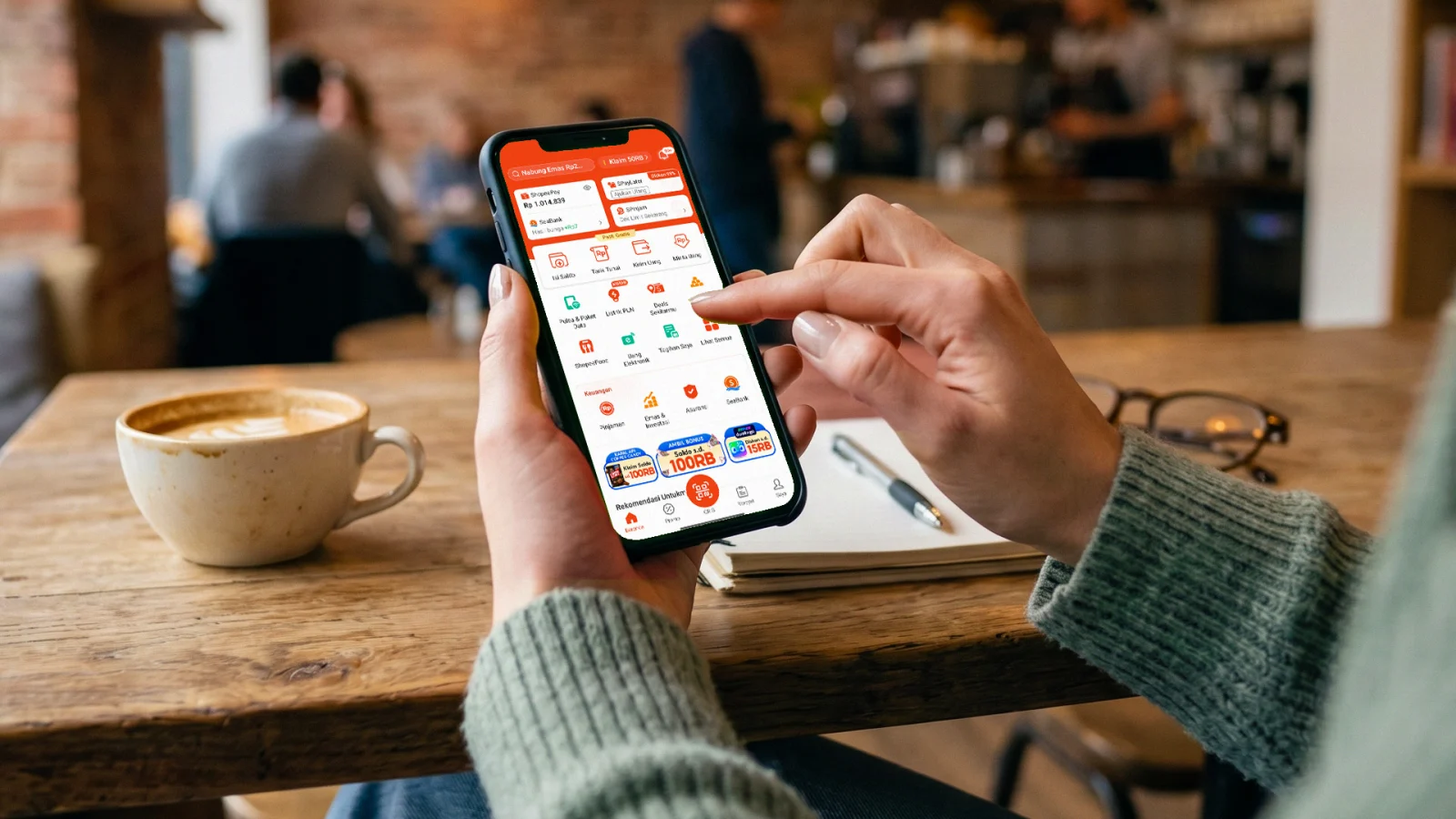
ShopeePay has introduced a cardless cash withdrawal feature with no administration fees and no monthly quota. This service allows users to withdraw their ShopeePay balance through BCA ATMs and participating minimarkets, such as Indomaret, Alfamart, and Alfamidi.
This feature is intended to help people meet their cash needs, especially when managing monthly expenses after receiving their salary. Users can choose a withdrawal channel according to their needs through the ShopeePay application.
President Director of ShopeePay Indonesia, Eka Nilam Dari, said that people’s transaction needs are becoming increasingly diverse. Although digital payments are being used more widely, cash is still needed in certain situations.
Through the Cash Withdrawal feature, ShopeePay aims to provide users with the flexibility to access their balance conveniently while reducing additional costs for everyday transactions.
How to Withdraw Cash from ShopeePay at Minimarkets
Users can withdraw their ShopeePay balance at Indomaret, Alfamart, and Alfamidi outlets that support the service. The steps are as follows:
Open the ShopeePay application.
Select the Cash Withdrawal menu.
Select the withdrawal method through an available minimarket.
Visit the selected outlet and tell the cashier that you want to make a ShopeePay cash withdrawal.
State the withdrawal amount, with a minimum of Rp50.000, then show the token code to the cashier.
After the transaction is successful, receive the cash according to the withdrawal amount.
How to Withdraw Cash from ShopeePay at BCA ATMs
ShopeePay also provides a cardless cash withdrawal option through BCA ATMs. The steps to follow are as follows:
Open the ShopeePay application.
Select the Cash Withdrawal menu.
Select BCA ATM as the withdrawal method.
Enter the amount of money you want to withdraw.
Enter your ShopeePay PIN to obtain the cash withdrawal token code.
Visit a BCA ATM that supports cardless transactions.
Select the cardless transaction menu.
Enter customer number 20807, followed by the mobile phone number registered with ShopeePay starting with 628. Example: 2080762812345678.
Enter the token code or transaction code from the ShopeePay application.
After the transaction is successful, take the cash from the ATM.
Users need to ensure that the withdrawal amount matches the available balance and pay attention to the validity period of the withdrawal code. To keep their accounts secure, PINs, OTP codes, and other confidential information must not be shared with other parties.
Balance Top-Ups and Other Transactions Are Also Available
In addition to cash withdrawals, ShopeePay provides balance top-up services through several channels, including minimarkets. Users can enjoy free top-up administration fees up to five times per month for top-ups made using cash, in accordance with the applicable terms.
The application also provides various daily transaction services, such as transfers to bank accounts and other digital wallets without administration fees, QRIS payments at merchants, as well as bill payments and purchases of digital products, including mobile credit, data packages, and electricity tokens.
The ShopeePay application can be downloaded from the Google Play Store and Apple App Store. Users are advised to check the service terms through ShopeePay’s official channels and to be cautious of links or offers from unverified parties. (Risma)



Comments 0
Sign in with Google or Facebook to like, save and comment.